SAPA Filter
Camera filters with full-screen PNG frames.
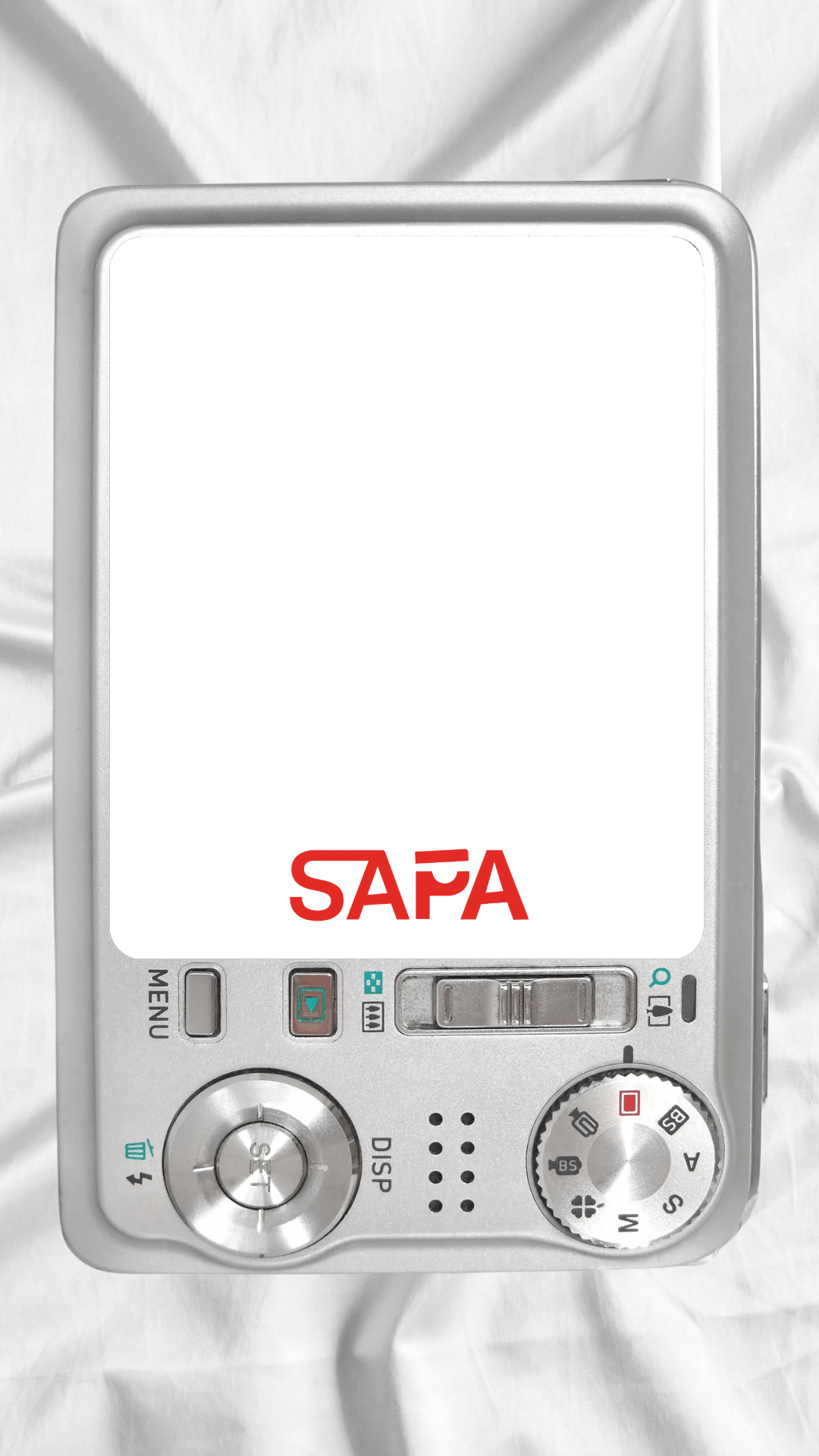


Ready for a SAPA photo?
Open your camera, choose a frame and filter, then capture your image.
Frame 1
Peace ✌️ frame · Open hand 🖐️ capture
Filters
OriginalCamera processing happens locally in your browser. No images are uploaded.
Some browsers require this file to run on HTTPS or localhost before camera access is allowed.
Show a peace sign ✌️ to cycle through full-screen PNG frames from the /assets folder. Hold an open hand 🖐️ for 3 seconds, then pose through the 3-second capture countdown. Use Next Frame as a manual fallback. Swipe left or right on an empty part of the camera preview to change filters.
Photo ID is generated after capture. To write IDs into Google Drive, paste your Google Apps Script Web App URL into GOOGLE_APPS_SCRIPT_WEB_APP_URL inside this file.